How to upload your products
After your application to become a Packreator exclusive seller is approved, you can now start uploading your products for review.
Once you log into the Packreate.com you can access your user menu, in the top right corner of the site. Click on “upload items”
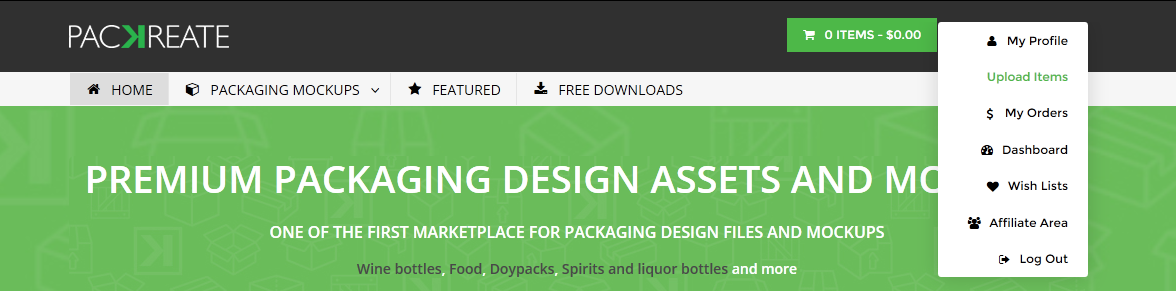
Adding Your First Product
After clicking, you will be taken to the new product submission form. From here it’s pretty straight forward. However, we will take you through step by step for each section.
Product Title
Over here, key in your preferred title for your product.
Do not use any words such as ‘Ultimate’ or phrases like ‘The last mockup you’ll ever need to buy’ as they are incorrect and misleading.
Some examples of a good product description are:
- Coke can mock-up 375 ml
- Doy pack 3D model 75 grams
- Glass bottle with medicated oil 20 ml

Product Thumbnail
Click the “Upload featured image” green button

It will bring you to the upload pop up where you can drag and drop your thumbnail picture. Alternatively, you could click on the “select files” button

Upload your product thumbnail over here, it should be a clear picture of what your product is.
The featured image, used on the product page, is 680×680. This is a good size for all of your product images. On the main page, images are scaled down to 300×300.
The thumbnail should be 680px X 680px.
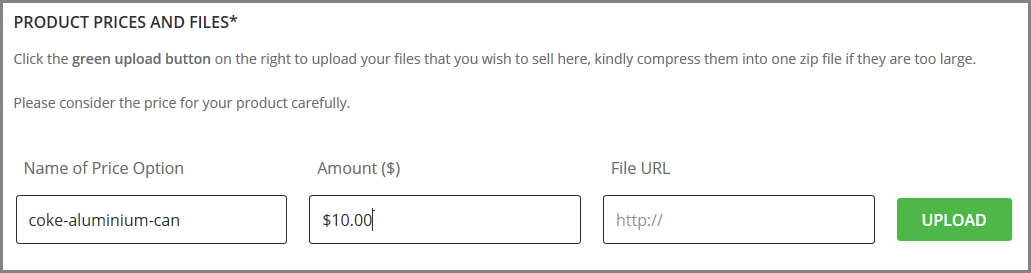
Product Prices and file name
Over here, you can:
- Name your file, this name will be shown in the notification email sent to you when your file is bought and download.
- Set the price for your product
- Upload your product
Click the green upload button to upload your product (zip files)
Please be patient while your file is being uploaded, it may take about 3-5 mins to upload files that are more than 50 mb
Product Compression
You need to compress your products for upload to the market. We allow two compression softwares on the site Zip files and 7z files. Most OS have some sort of zip application in them.
7z offers a superior compression ratio, there are many different 7z applications online.
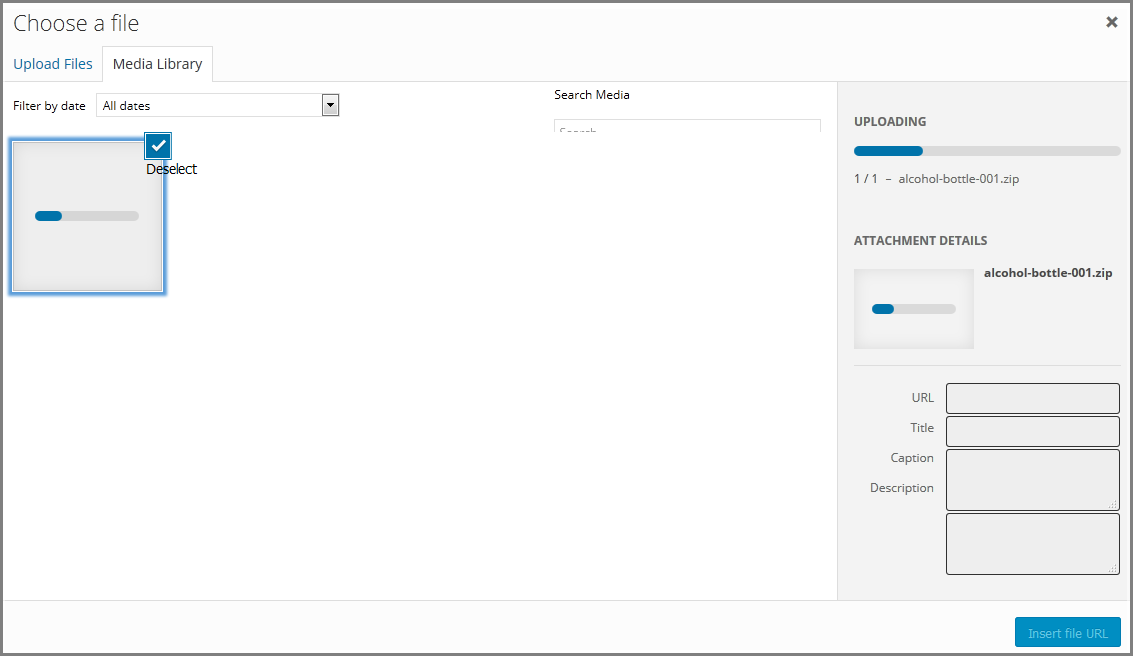
Click the “Insert file URL” button at the bottom right corner in the pop window after upload is complete
Product Description
Over here you could write the selling points of your product, you could add HTML formatting in it.
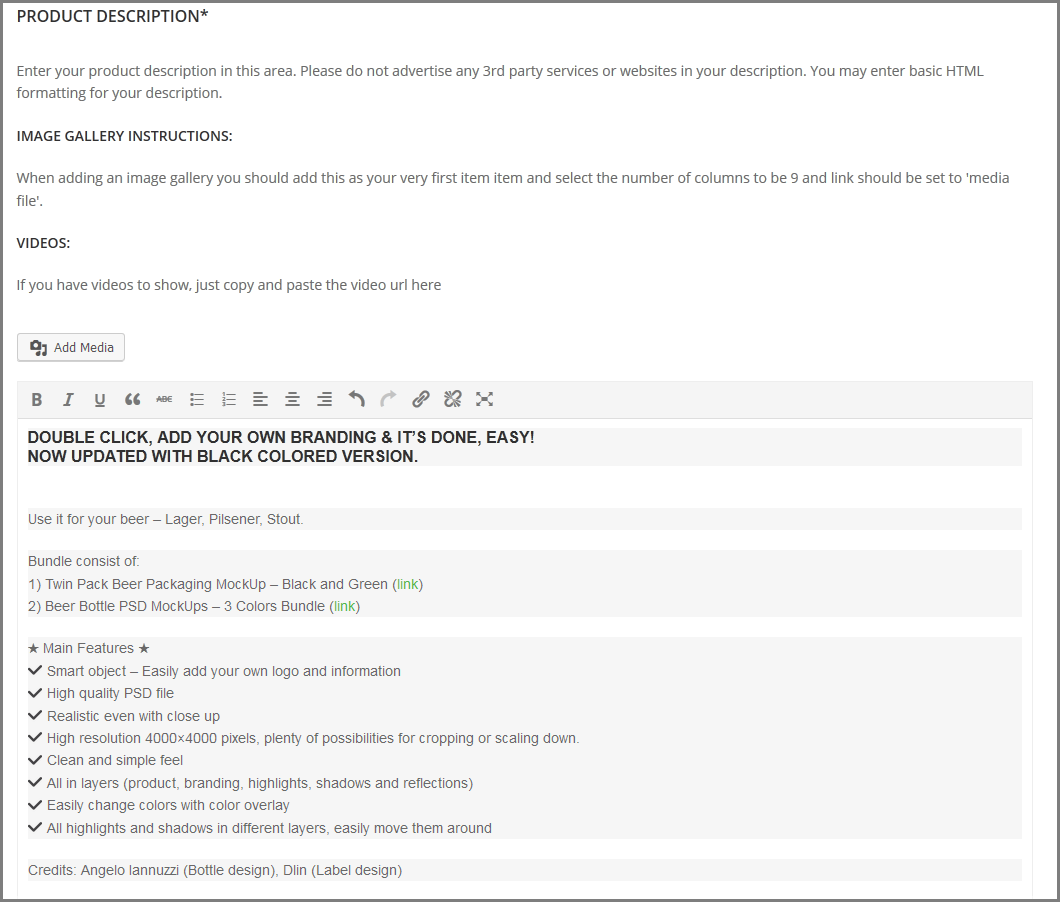
One of the most important elements to your item is having a thorough and descriptive description. If you take a quick look at the top selling items, you will notice that they have very elaborate descriptions to help buyers get a better understanding of that product.
All the best and good luck!
Upload and Start Selling